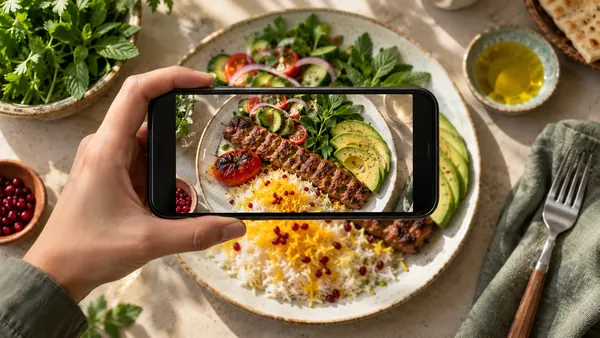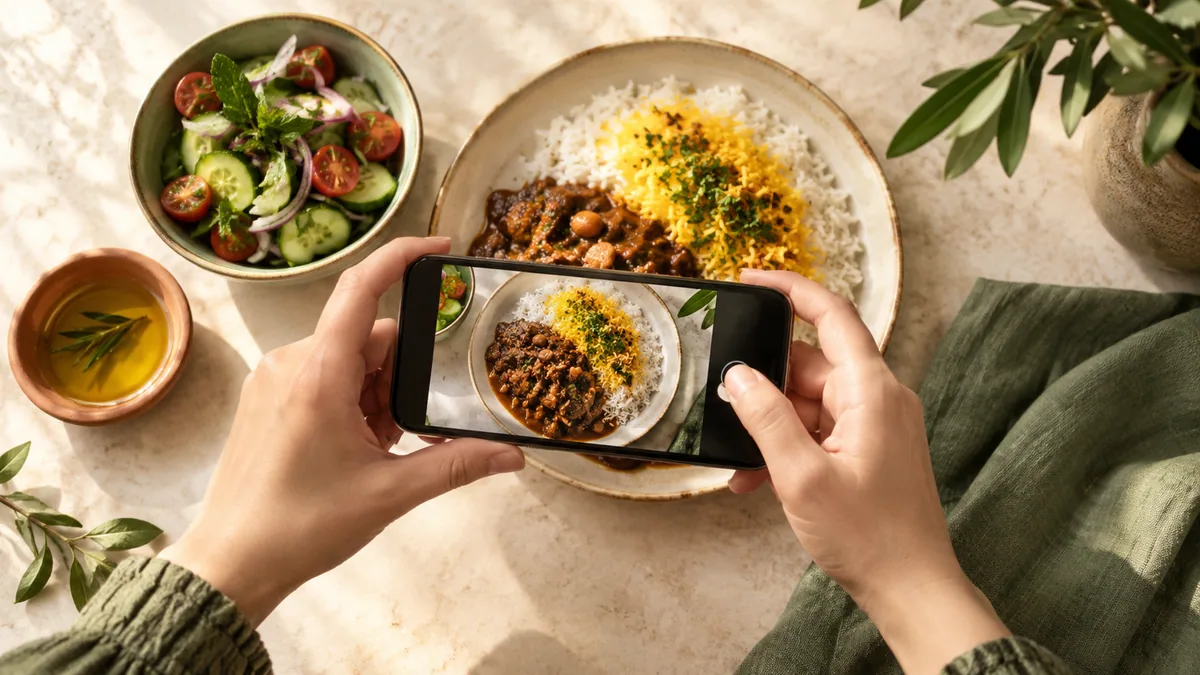
A photo calorie counter uses an image to suggest the food, portion and nutritional values. Its practical purpose is to make starting a food log easier. A camera does not become a scale, and an AI estimate is not a laboratory measurement.
From image to estimate
A system may identify separate foods, classify them, estimate a portion and match that estimate with nutrition data. Each stage introduces uncertainty. Research on image-based dietary assessment evaluates different datasets and methods, so one reported accuracy percentage cannot describe every app or meal. See the systematic review of image-based food recognition.
Four common sources of error
Hidden ingredients
Oil absorbed during cooking, sauce, sugar and ingredients below the surface may not be visible. Add information you know from the recipe rather than assuming the image captured it.
Portion size
Plate size and camera angle affect appearance. A familiar measured serving or weighed portion is more useful than accepting an unfamiliar suggested quantity. A ladle or spoon is only useful when its actual capacity is known.
Mixed recipes
Two similar stews may contain different amounts of meat, beans and oil. For homemade food, a recipe calculation can be more informative than a generic dish name.
Database matching
Raw and cooked foods, restaurant portions and packaged products are not interchangeable. The selected nutrition record matters after image recognition has finished.
A checklist before saving
- Photograph the whole plate in adequate light, without a filter.
- Review the name and preparation method of each food.
- Check the suggested amount against what you know about the portion.
- Include drinks, sides, sauces and cooking fat that are missing.
- If the composition is uncertain, treat the result as an estimate rather than changing it to look more precise.
Avocado follows a review-and-correct workflow. The photo-logging feature page explains the product steps. Food quality, protein and fibre also matter; a calorie number is only one part of a meal record.
A worked example: rice and chicken
Using our reference data, 150 g of plain cooked rice provides 195 kcal, while 120 g of cooked skinless chicken breast provides 198 kcal. Together that is 393 kcal before additions.
If the portion also contains 10 g of oil, the library’s oil value adds about 88.4 kcal. The photograph may not reveal that oil. This is an ingredient calculation, not a measured Avocado result or an accuracy test. If the selected mixed-dish record already includes oil, do not add it twice.
What about stew or soup?
Compare the listed ingredients and assumed finished weight with your recipe. Our barley-soup example and homemade-recipe guide show how that works. Restaurant food with an unknown recipe remains uncertain even when the photo is clear.
When a photo is not enough
Do not rely on a photo to identify allergens, calculate an insulin dose or manage a prescribed kidney-disease or other therapeutic diet. Labels, actual recipes, appropriate measurements and professional advice take priority. If detailed tracking creates anxiety, food avoidance or compensatory behaviour, stop and seek support.
Access and limits
The Base version includes calorie logging, but “available at Base” does not mean unlimited AI analysis. Check current account limits and Plus features in the app. Research on the validity of image-based dietary assessment also explains why self-monitoring estimates should not be treated as exact clinical measurements.
0Sources for this guide
- Applying Image-Based Food-Recognition Systems on Dietary Assessment: A Systematic Review — Advances in Nutrition / PubMed (2022)
- Validity of image-based dietary assessment methods: A systematic review and meta-analysis — Clinical Nutrition / PubMed (2020)
- AI-based digital image dietary assessment methods compared to humans and ground truth: a systematic review — Annals of Medicine / PubMed (2024)
- FoodData Central: data documentation — USDA (See source)